
Financial reports · 2 min read
Read the Payments report
Understand recorded incoming and outgoing payments and how they are grouped.
Before you start
You need financial-report access. Outgoing purchase-order information also follows your plan and project access.
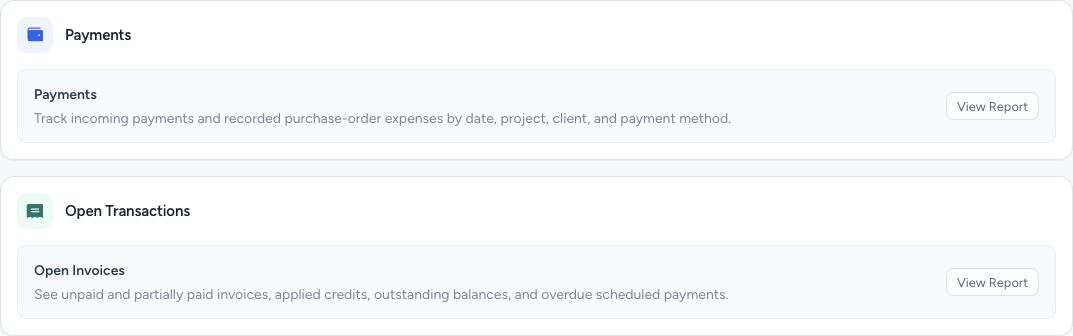
Reports separates received and outgoing payments from open invoice balances.
- Payments shows recorded incoming and outgoing money.
- Open Invoices shows outstanding and overdue balances.
Step by step
Open the report
Go to Reports and choose View Report under Payments. In the Report type selector, choose Income for incoming payments or the outgoing expense option for recorded supplier payments.
Choose the scope
Use the date and other available filters. Incoming dates are charge dates; outgoing dates are recorded supplier payment dates. Select Generate Report to apply your choices and refresh the results.
Read the amounts
Incoming payments count original principal on paid records. Invoiced indicates received principal tied to invoices or converted estimates. Liability means received principal not yet invoiced.
Review or export
Adjust grouping and visible columns for your review, then export the filtered data when you need a spreadsheet.
What happens next
The report summarizes recorded payments. Outgoing means purchase-order payments, not every expense in your business.
Good to know
Pending and failed payments and applied credits are excluded from incoming money. Refunds, disputes, surcharges, bank settlement, and processor fees should not be interpreted as net cash in this report.
Sign in to use this feature. Available actions depend on your workspace access.